

Features
A day, seen from every angle.
Real screens from Mission Today, with made-up data.
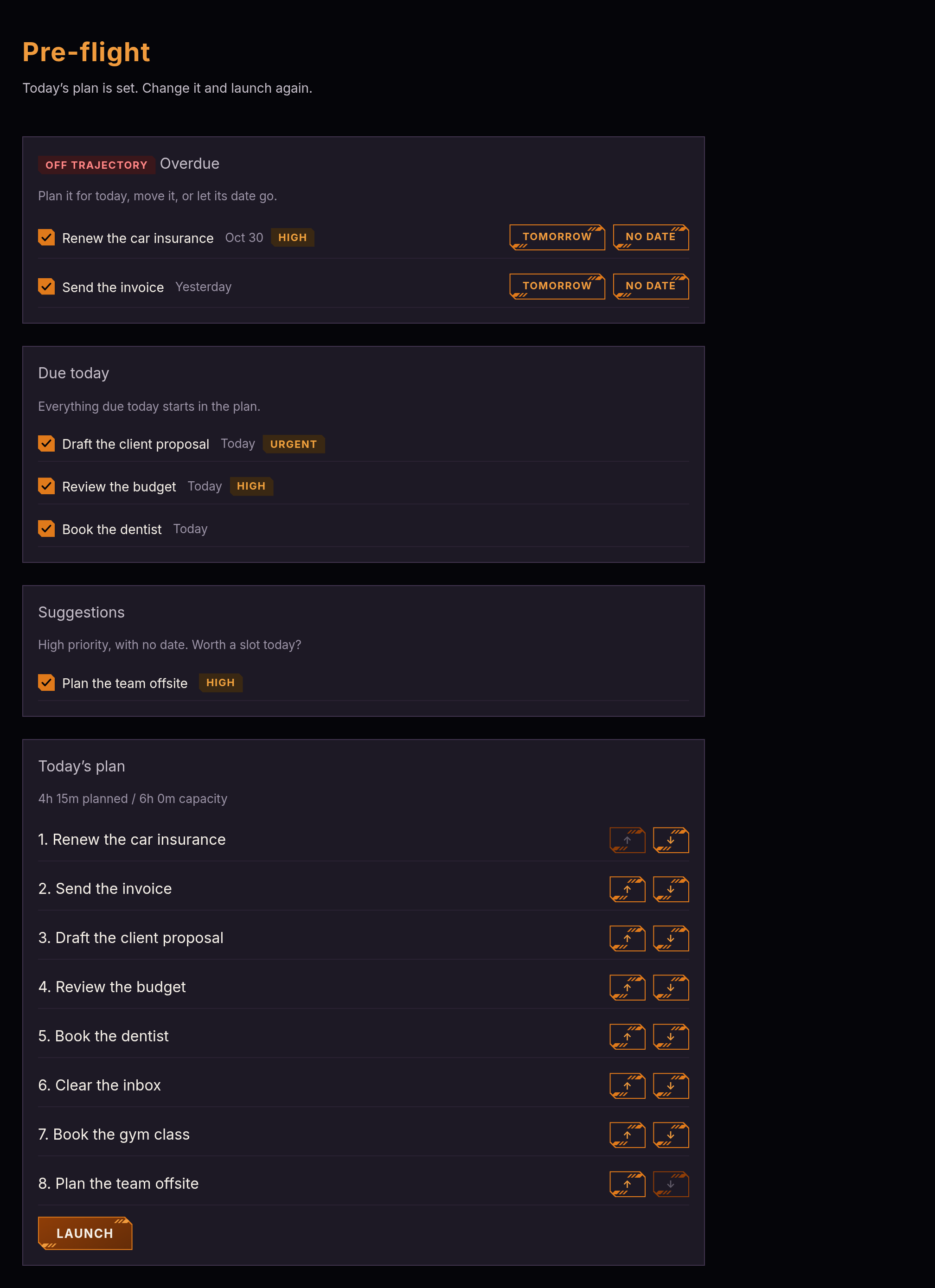
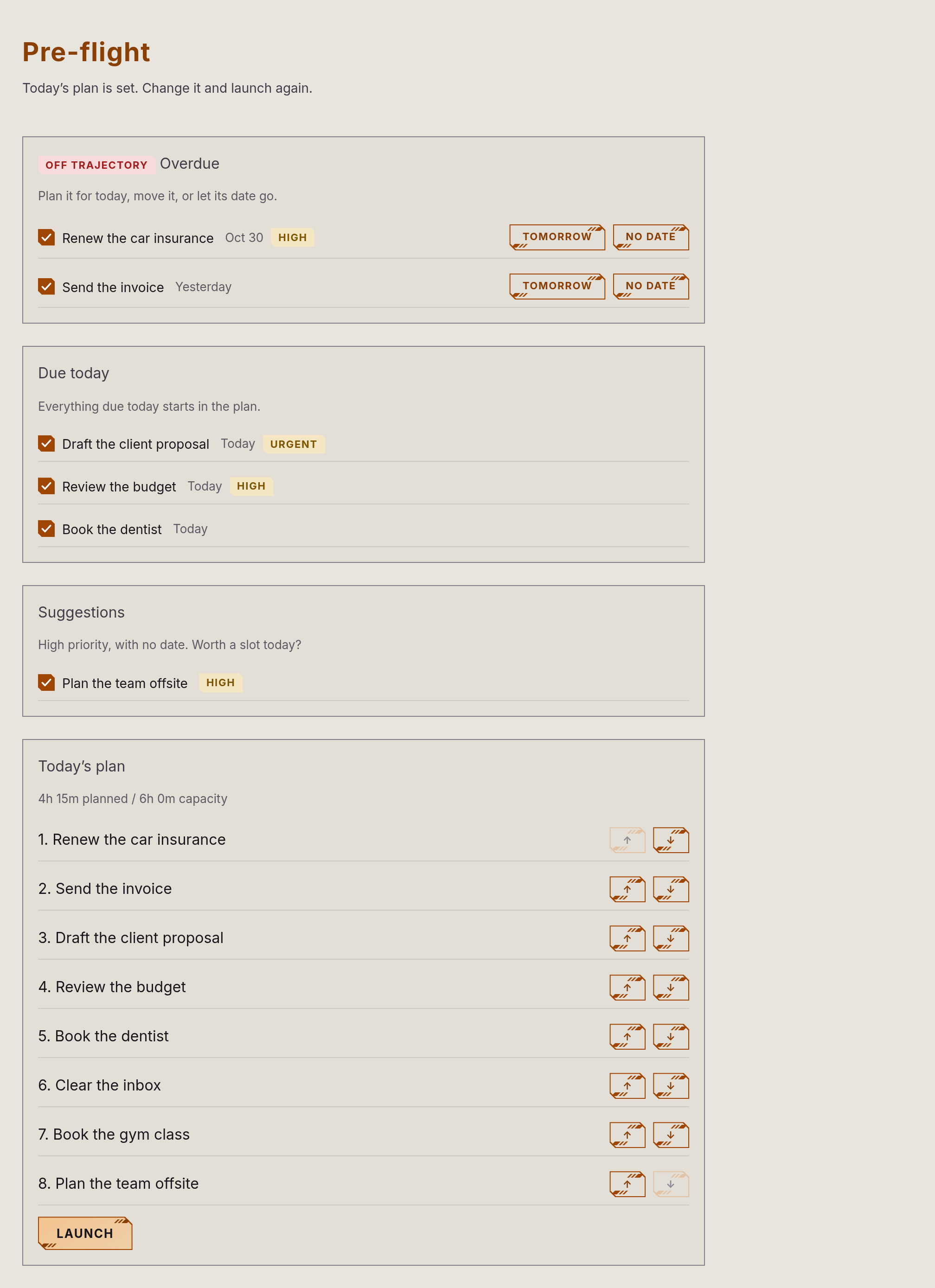
Pre-flight
Decide what today is for
See what’s overdue, what’s due and what’s important but undated. Choose, order, and launch.
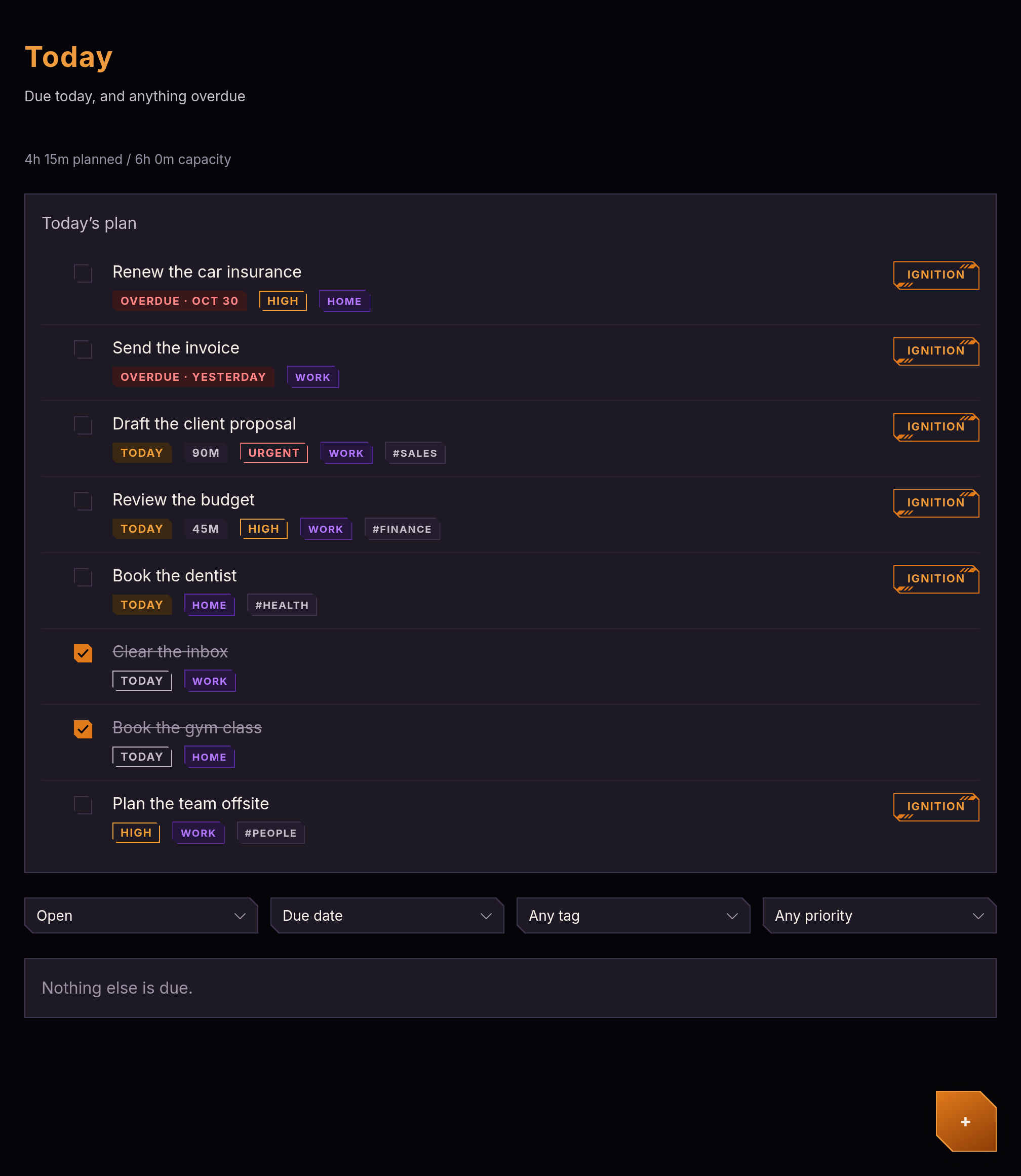
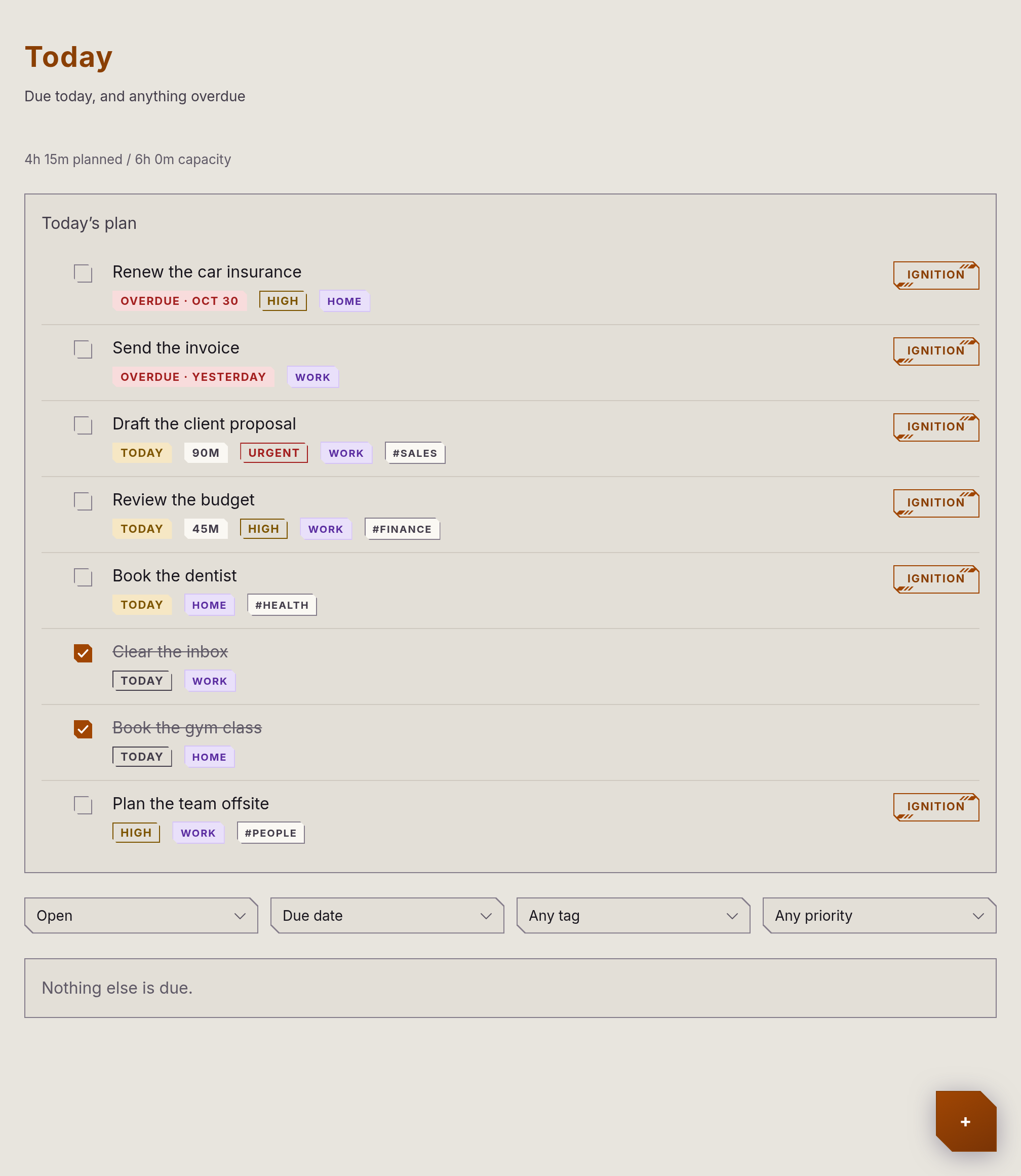
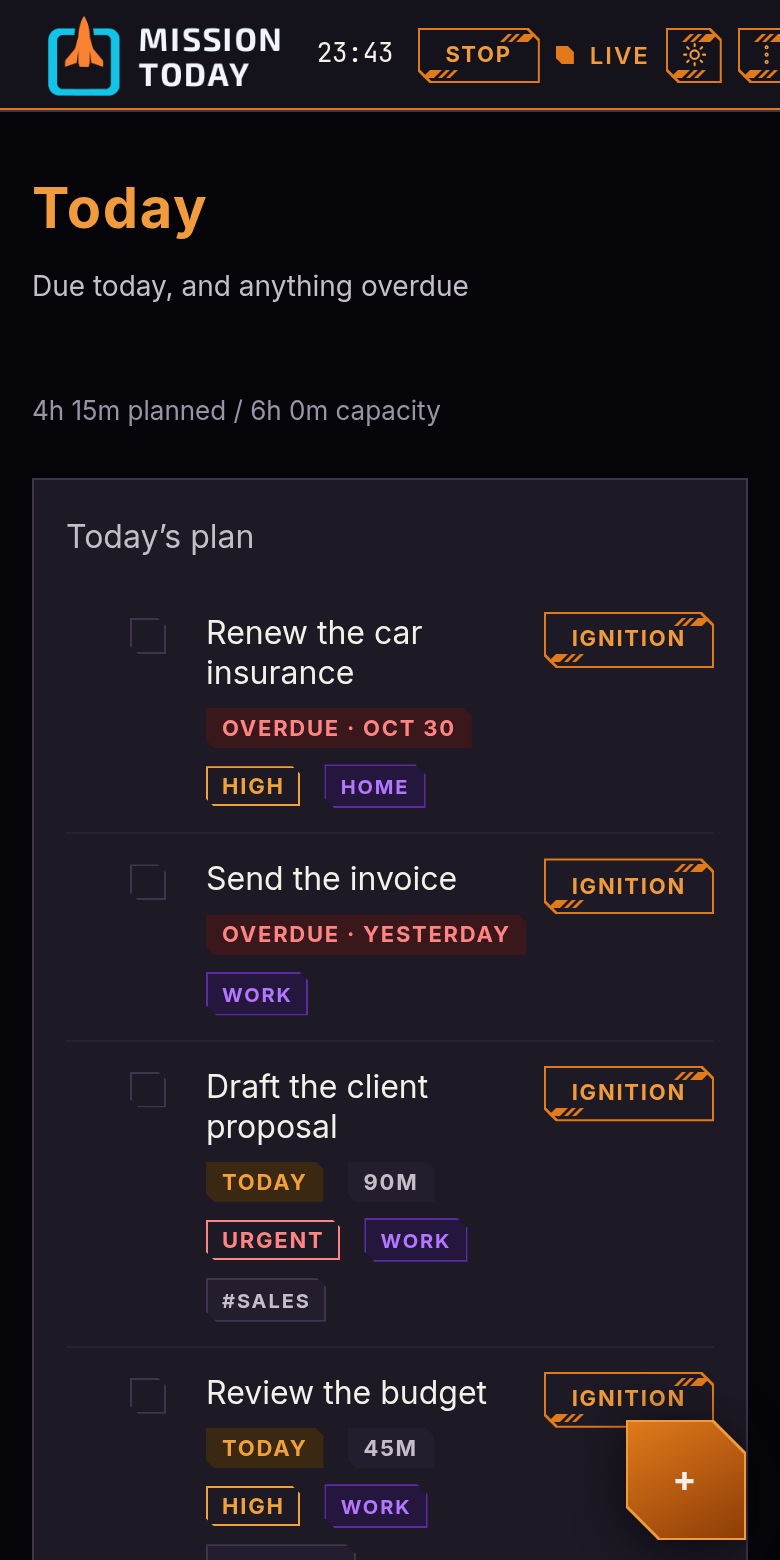
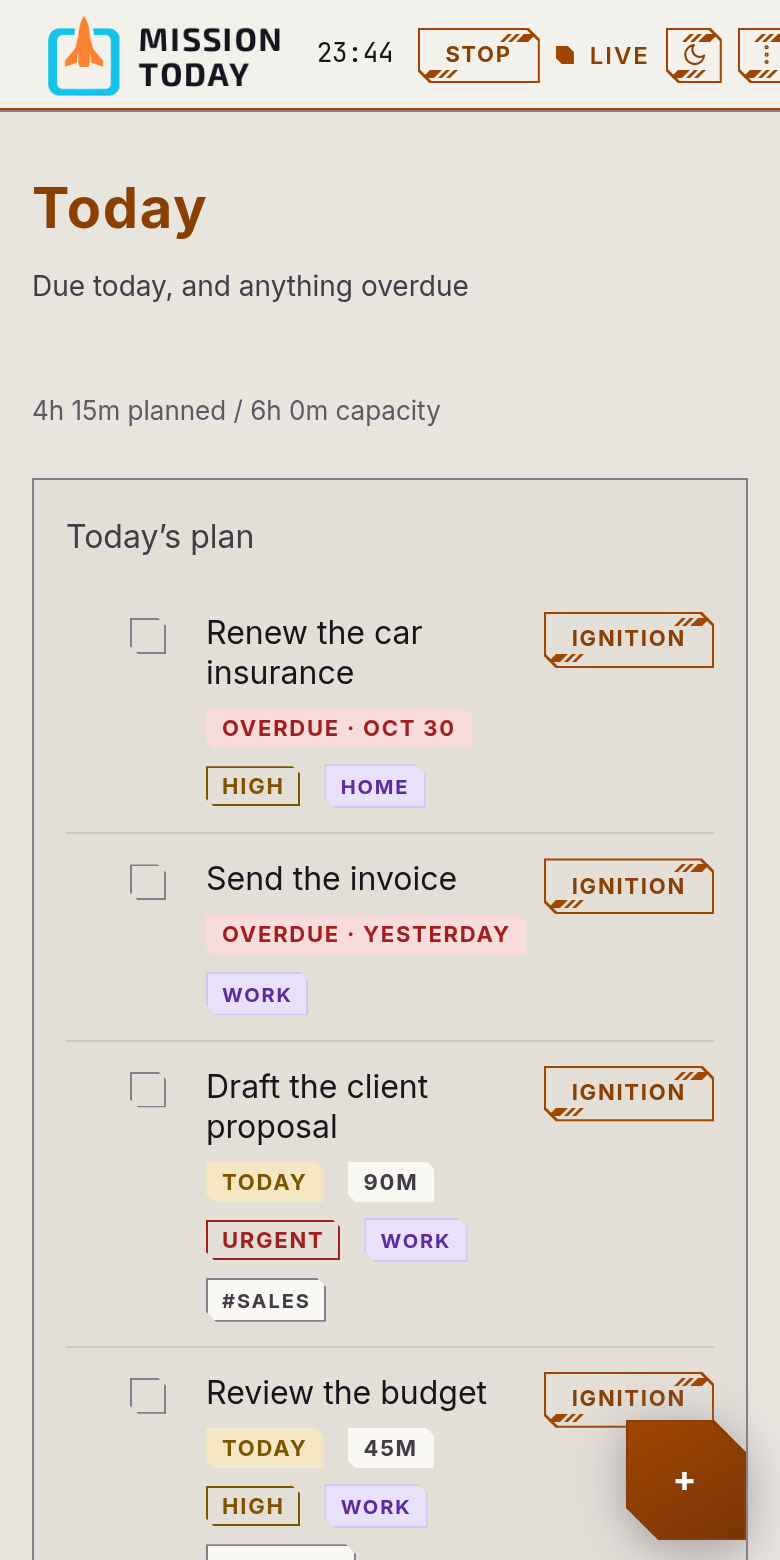
Today
Your plan comes first
Today’s plan sits at the top, with a capacity check against the hours you have. Start a focus session on anything in it.
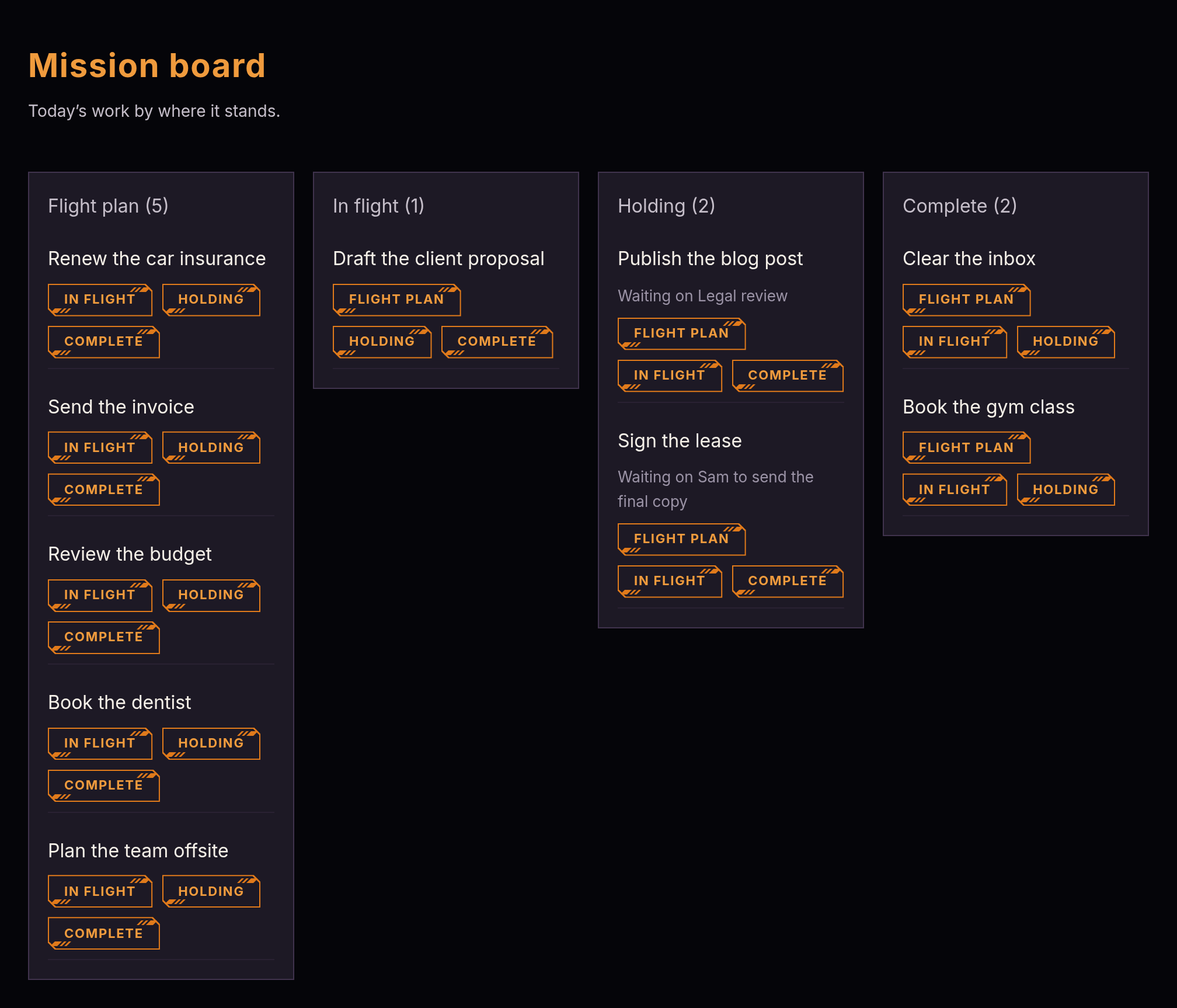
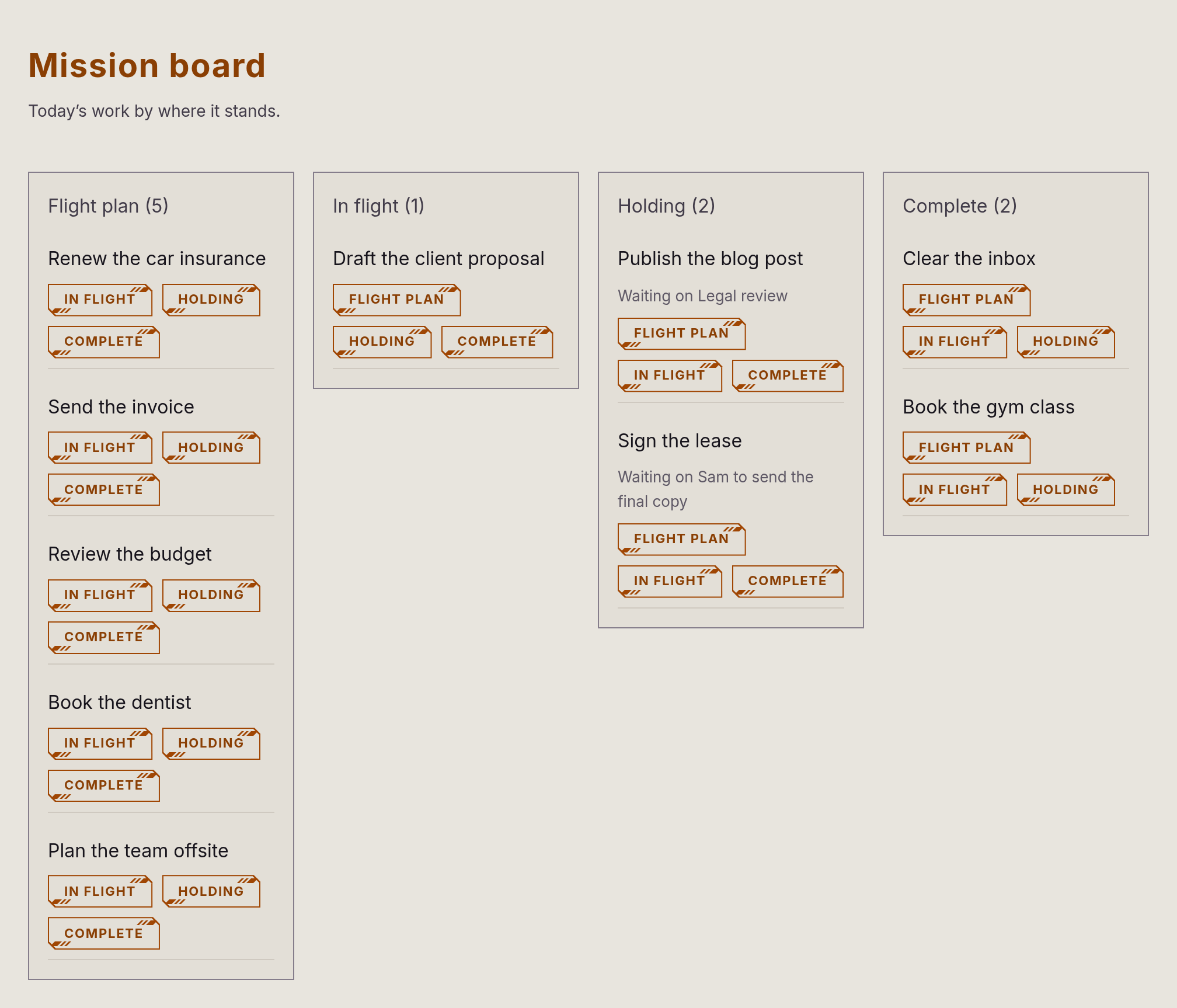
Mission board
See where everything stands
Flight plan, In flight, Holding, Complete. Drag a card and it starts focus, parks the work or finishes it.
Calendar
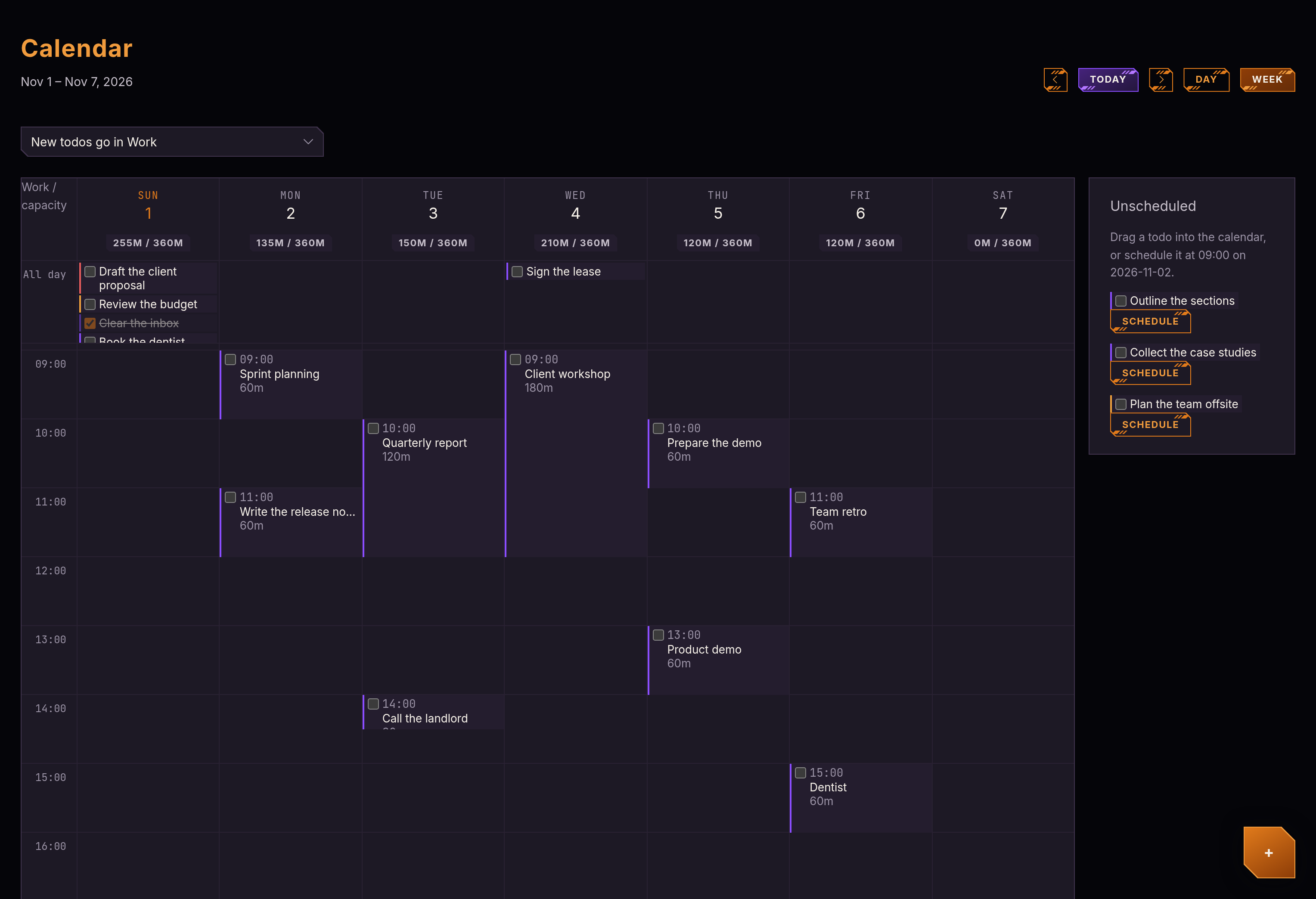
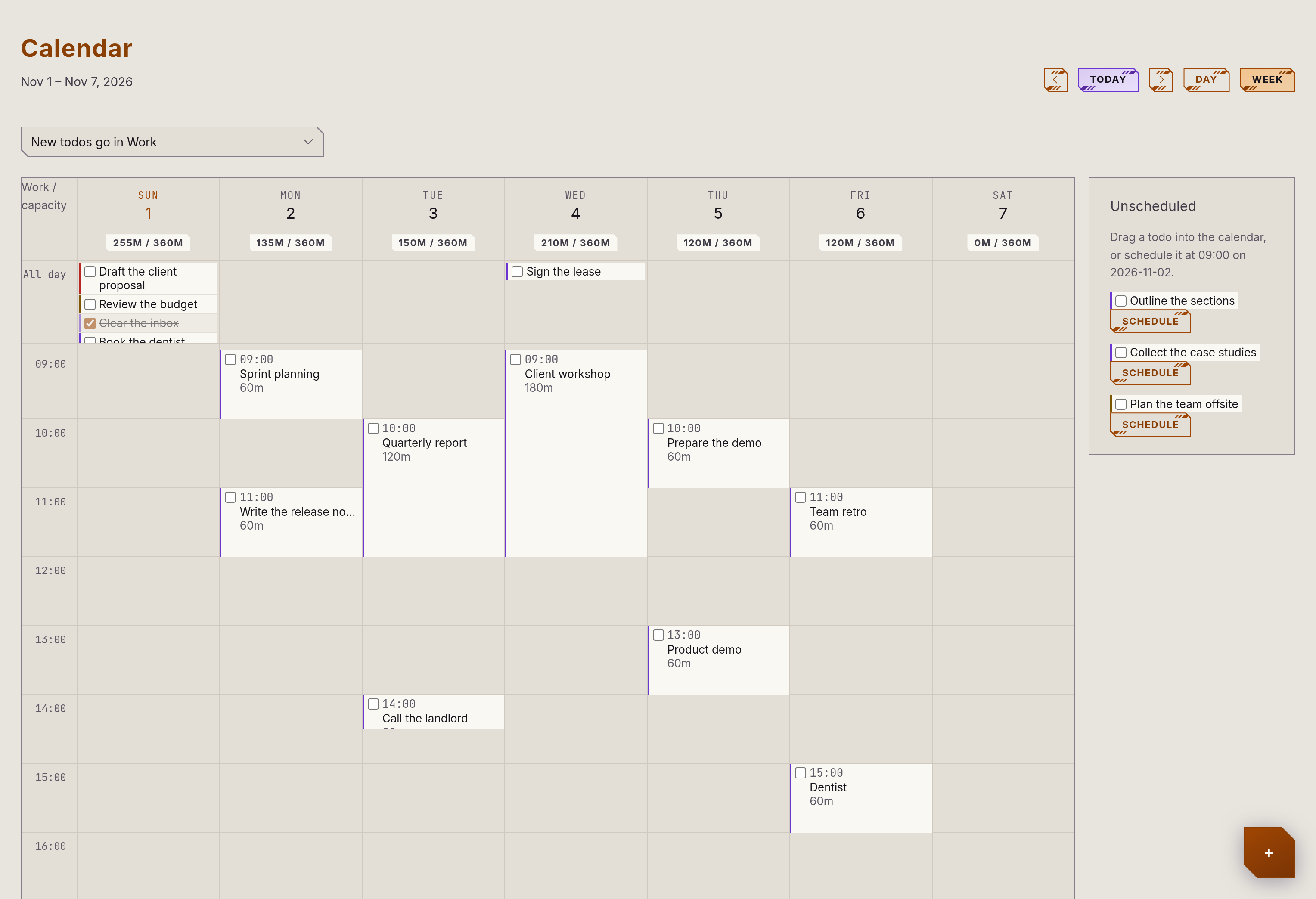
Give the work a time
A day or week view with estimates, capacity per day, and a tray of unscheduled work to drag in. Subscribe to your other calendars and see them alongside.
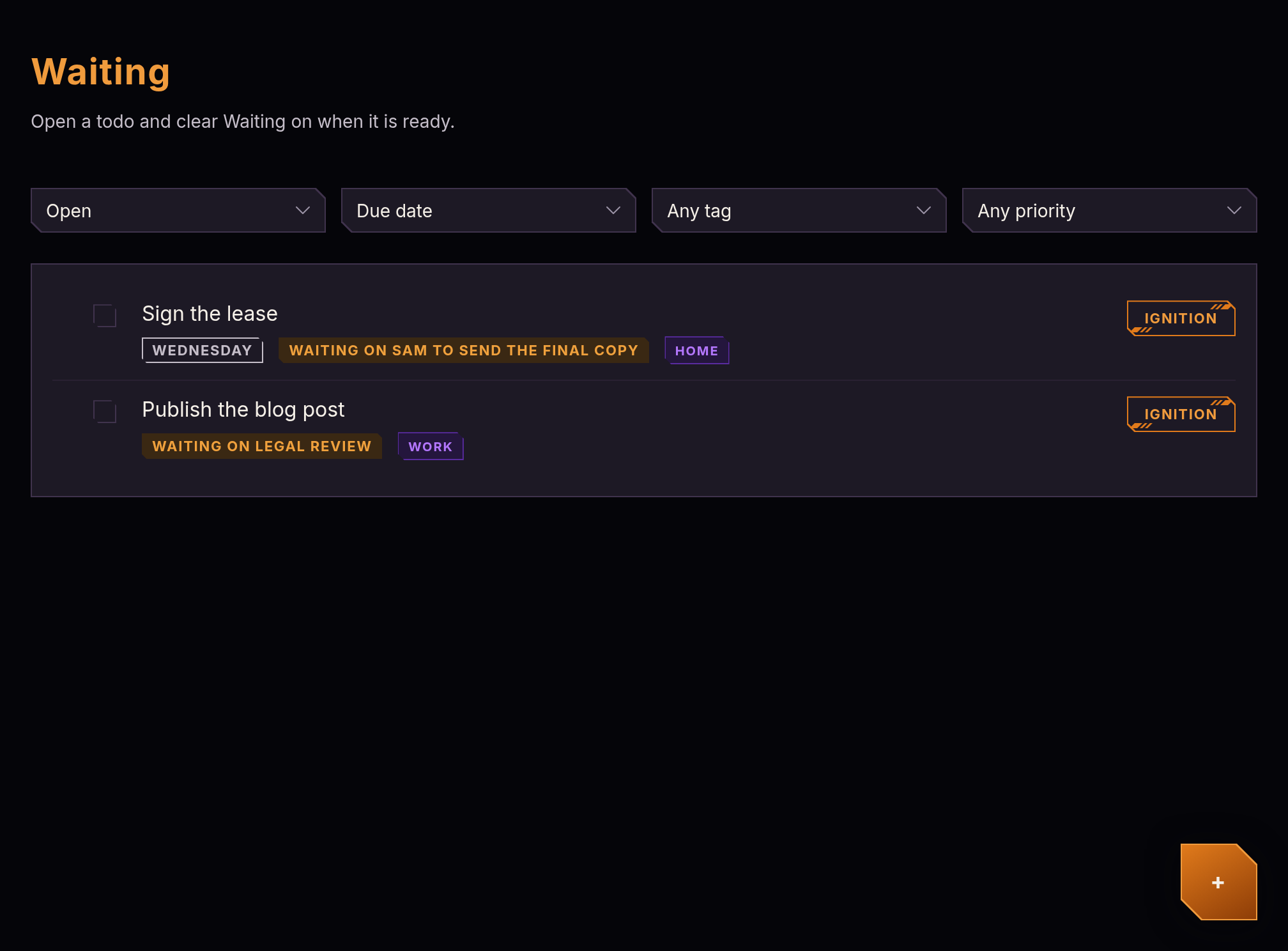
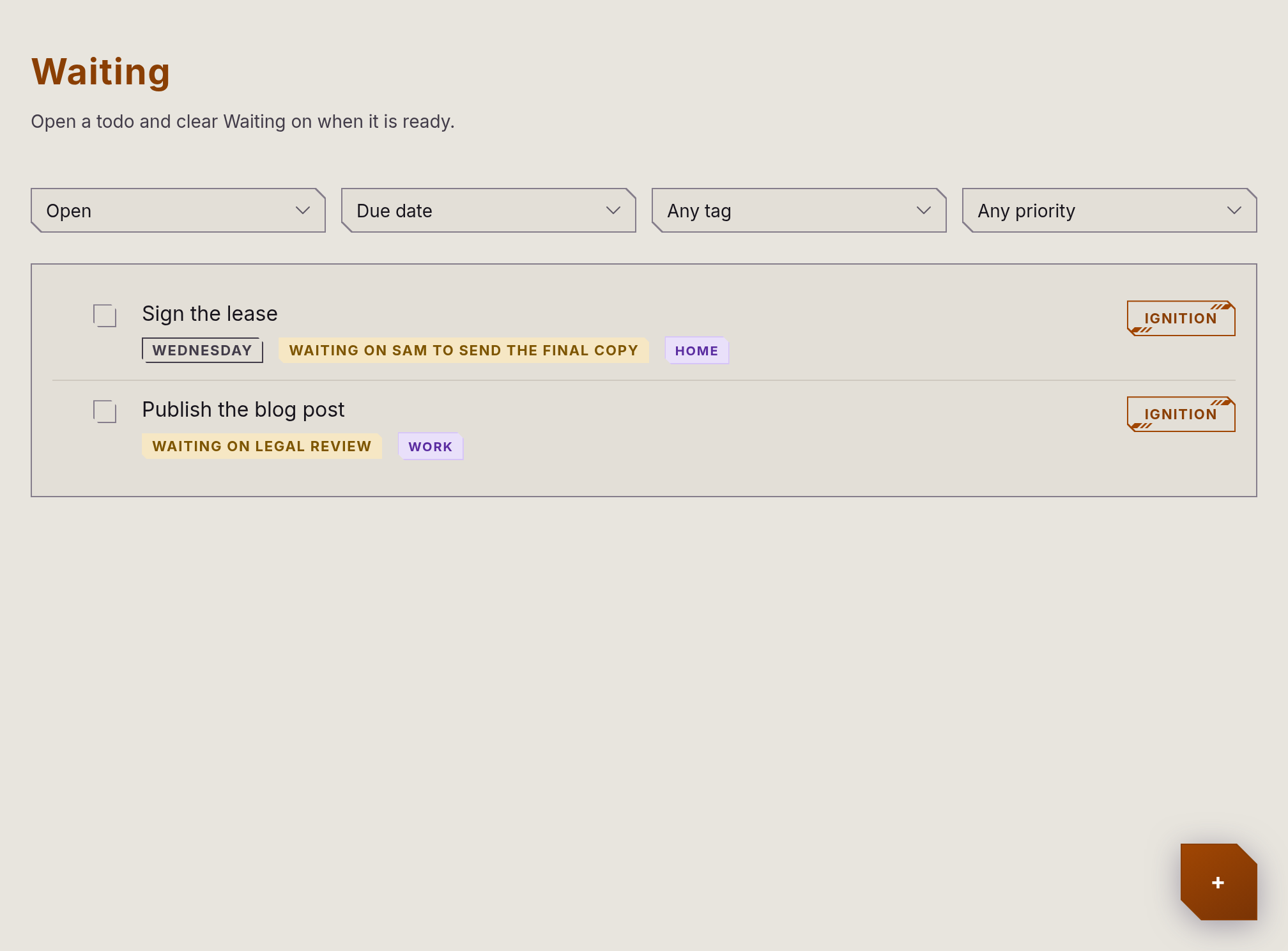
Waiting
Park what isn’t yours to move
Say who or what a todo waits on, and it leaves Today until you clear it.
Mission log
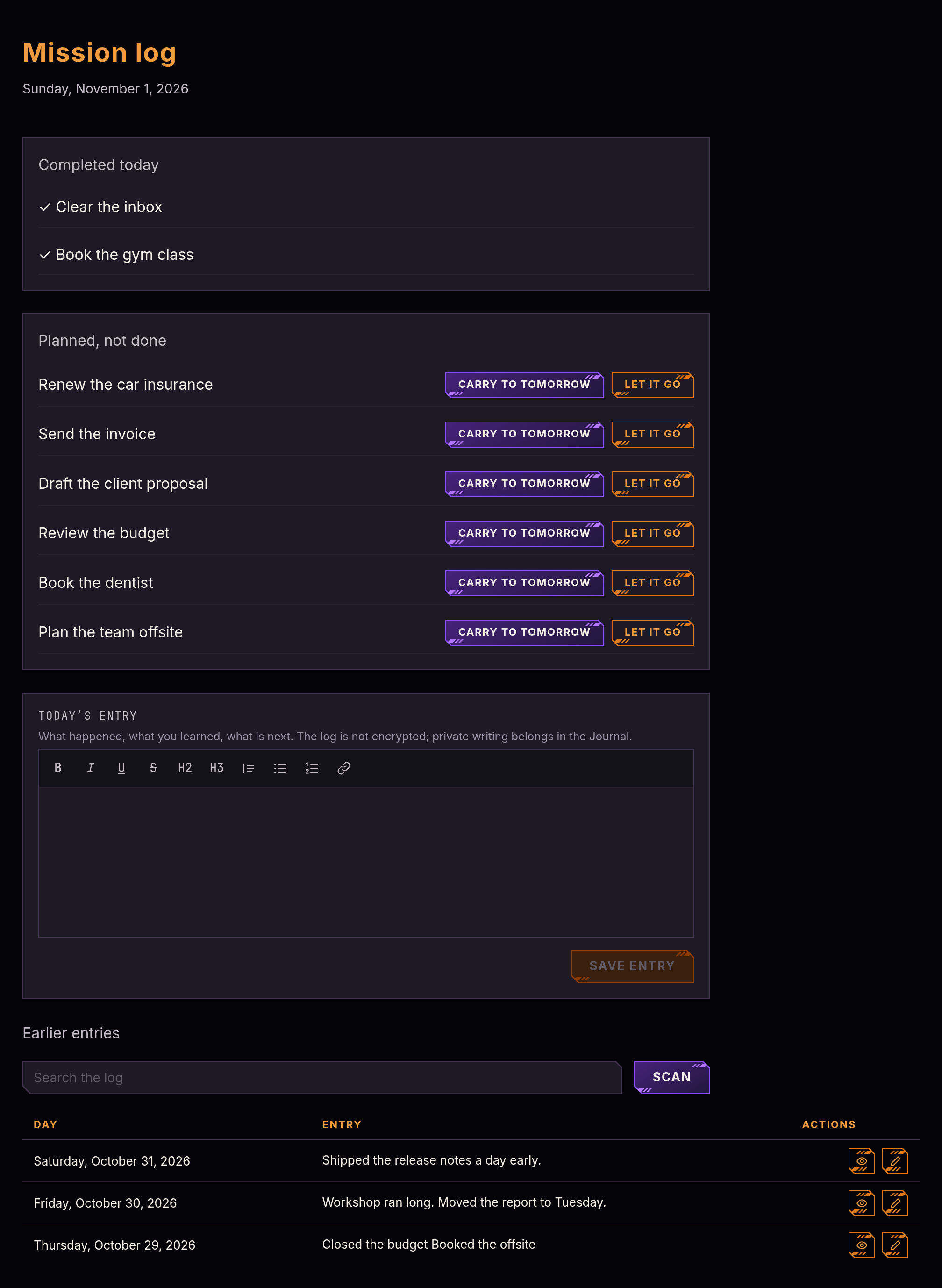
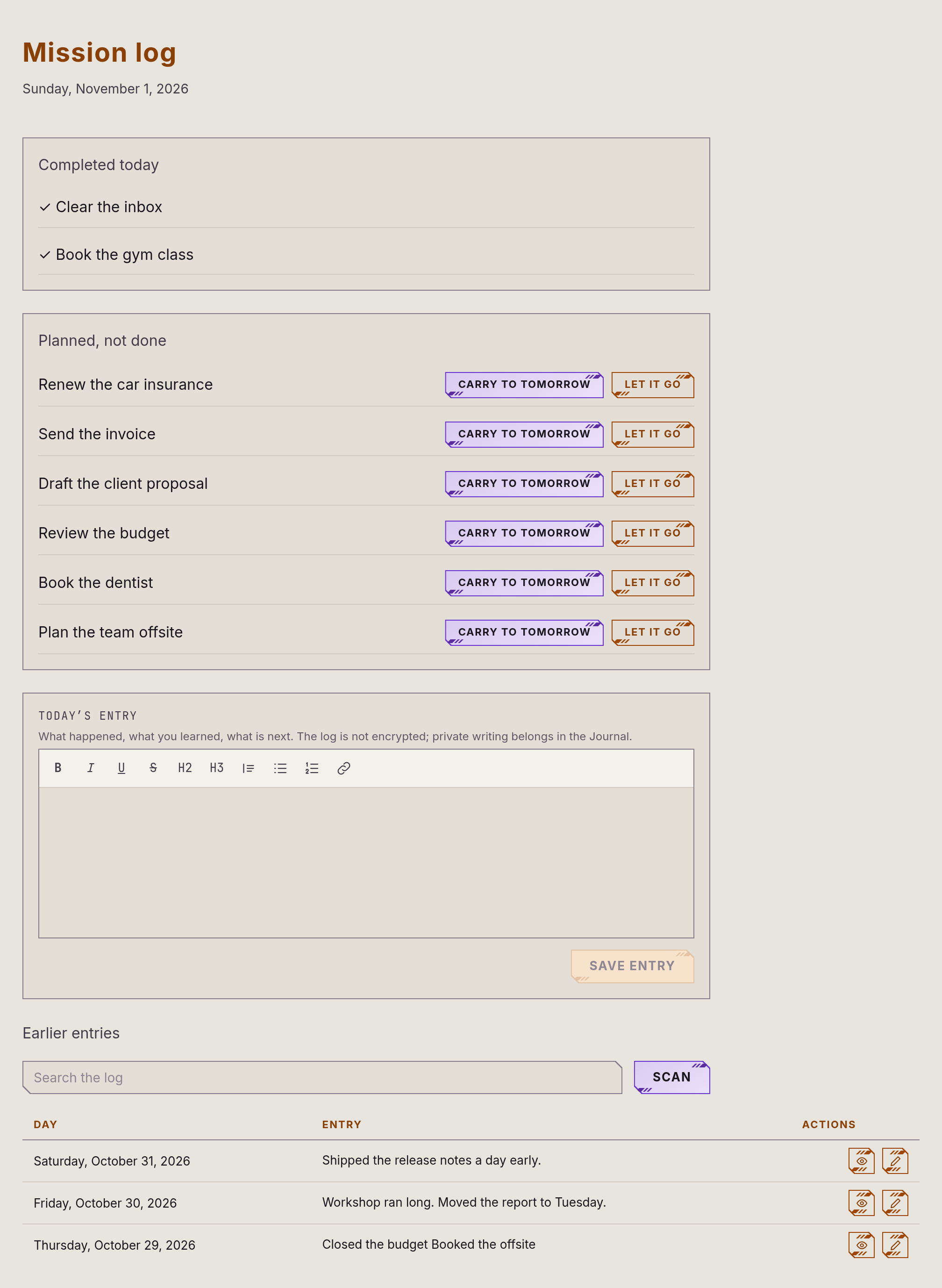
Close out the day
See what got finished, carry the rest to tomorrow or let it go, and write down how the day went.
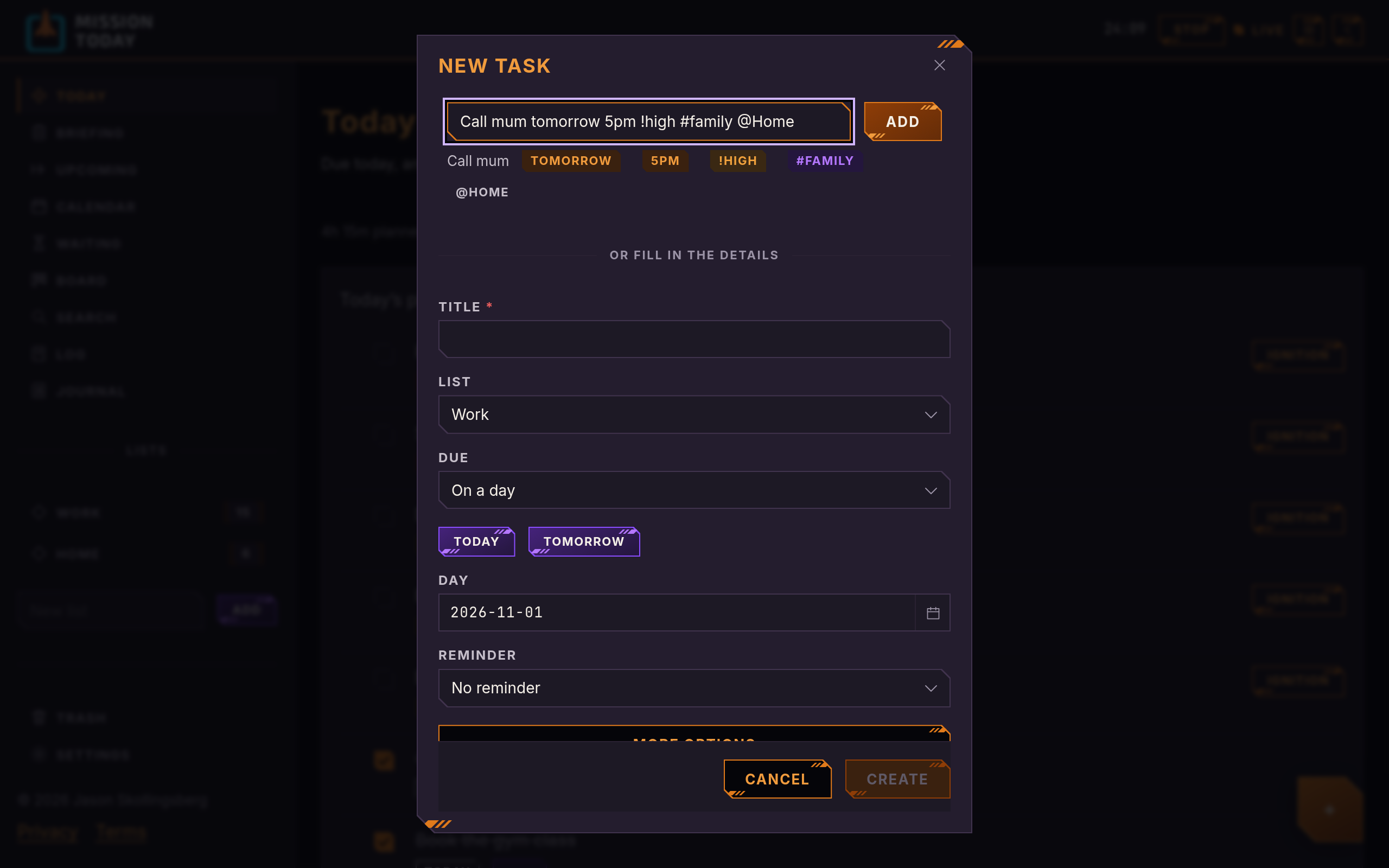
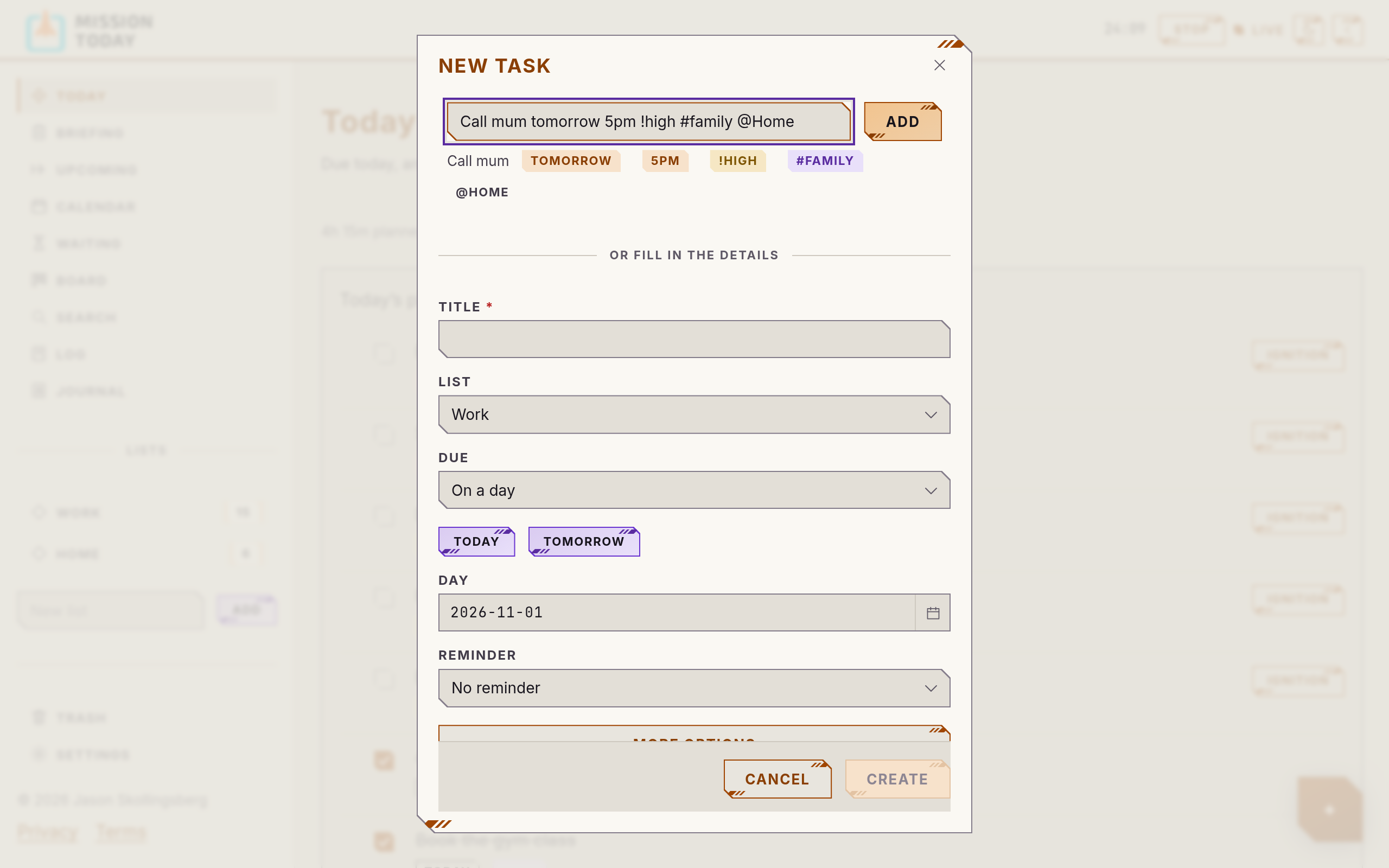
New task
Add a task without leaving the page
Set a list, a due date and a reminder, with subtasks, estimates and repeats a click away.
Command palette
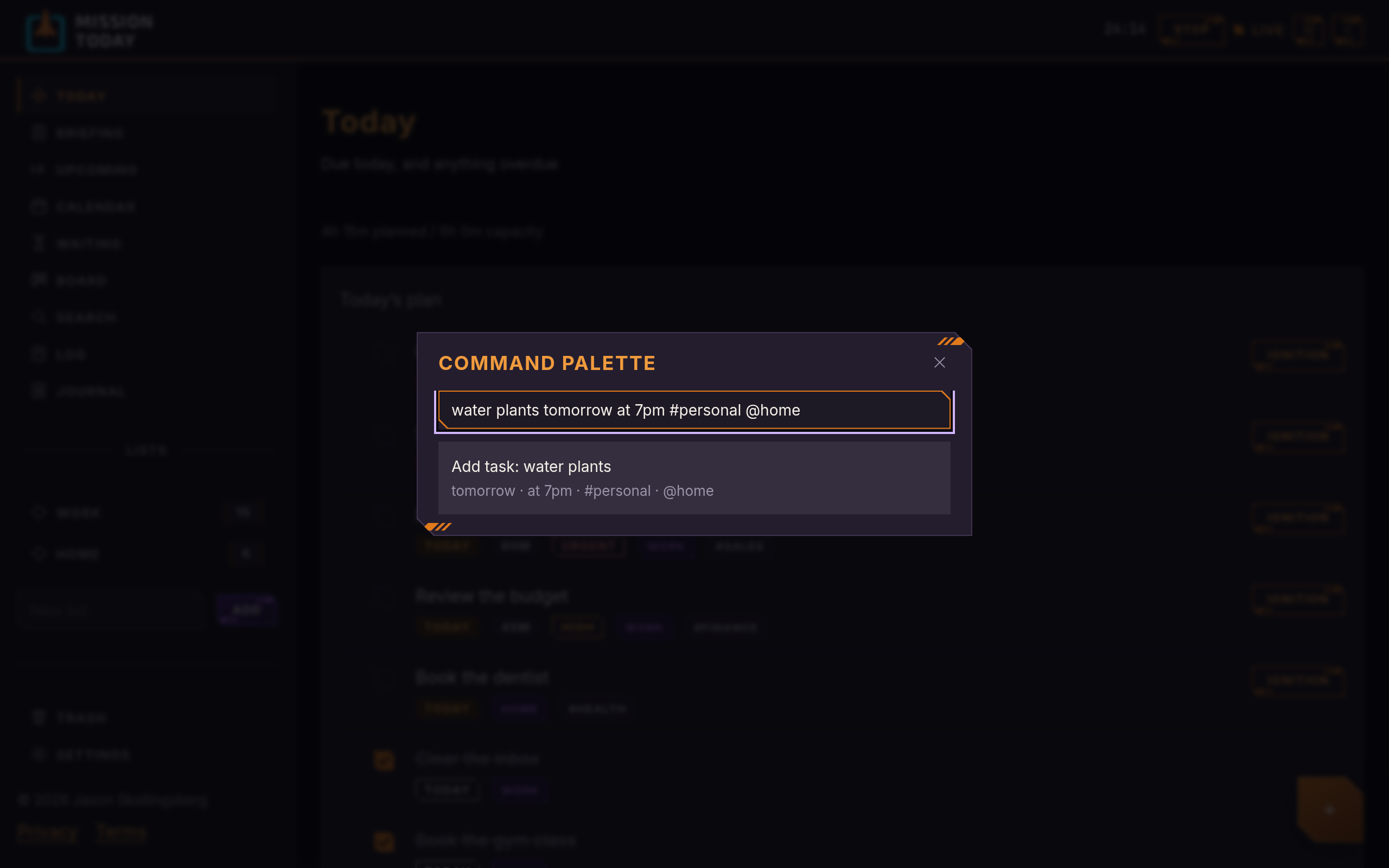
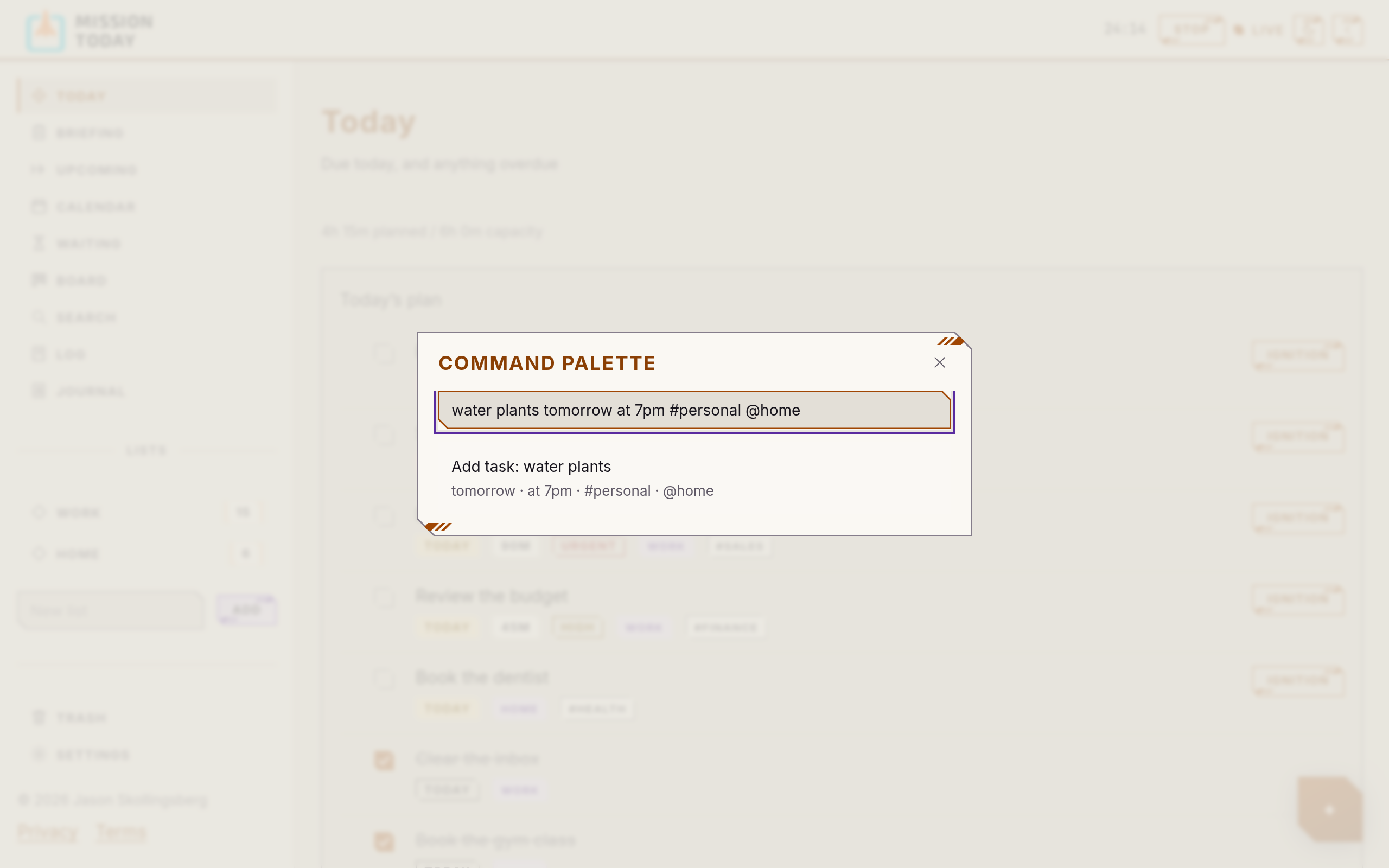
Everything from the keyboard
Ctrl or ⌘ + K reaches any command, todo or list.
On your phone
Install it where you are
Add it to your phone or desktop, get reminders by push with Done and Snooze right there, and keep reading your todos without a signal.
Journal
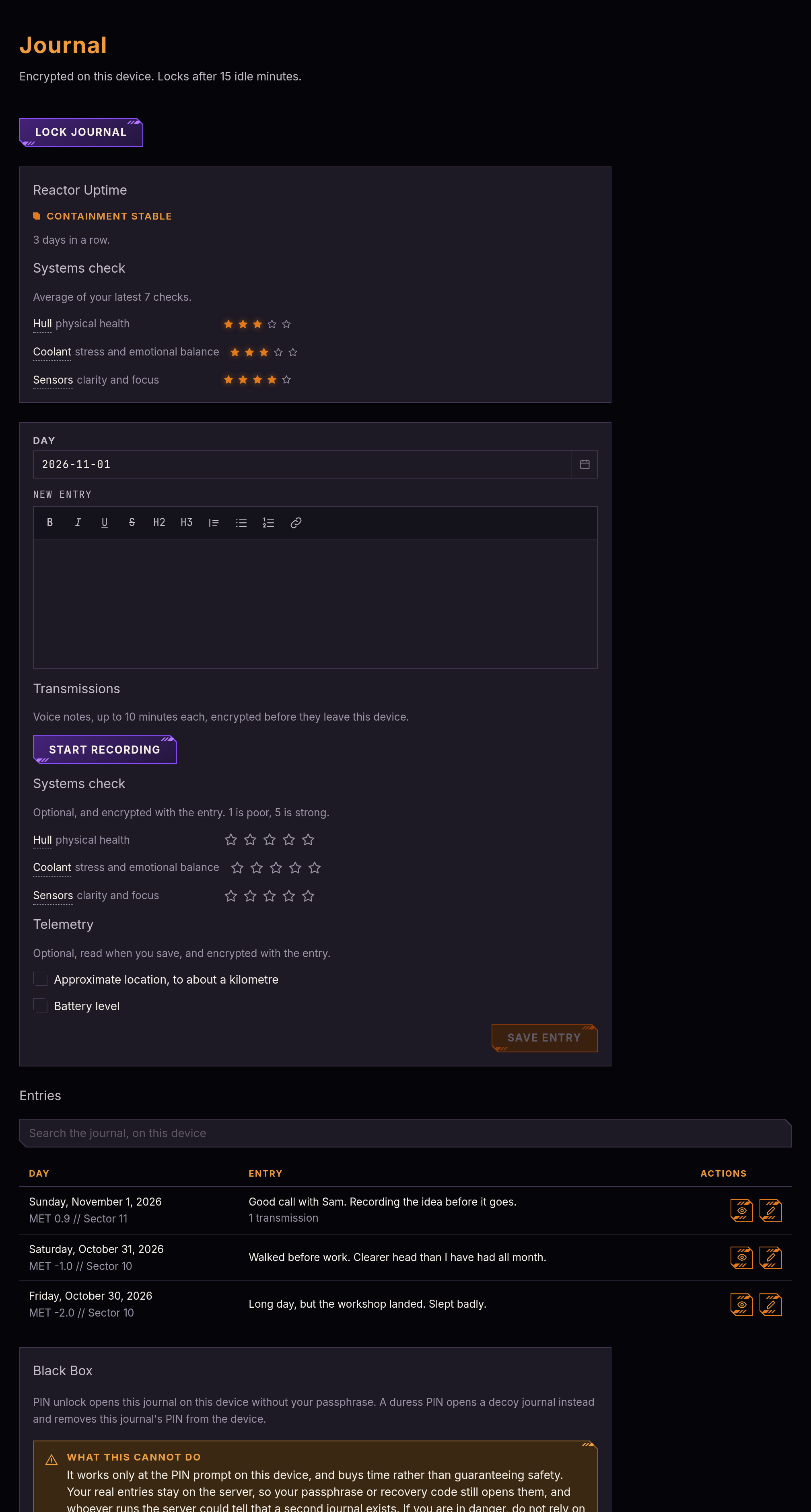
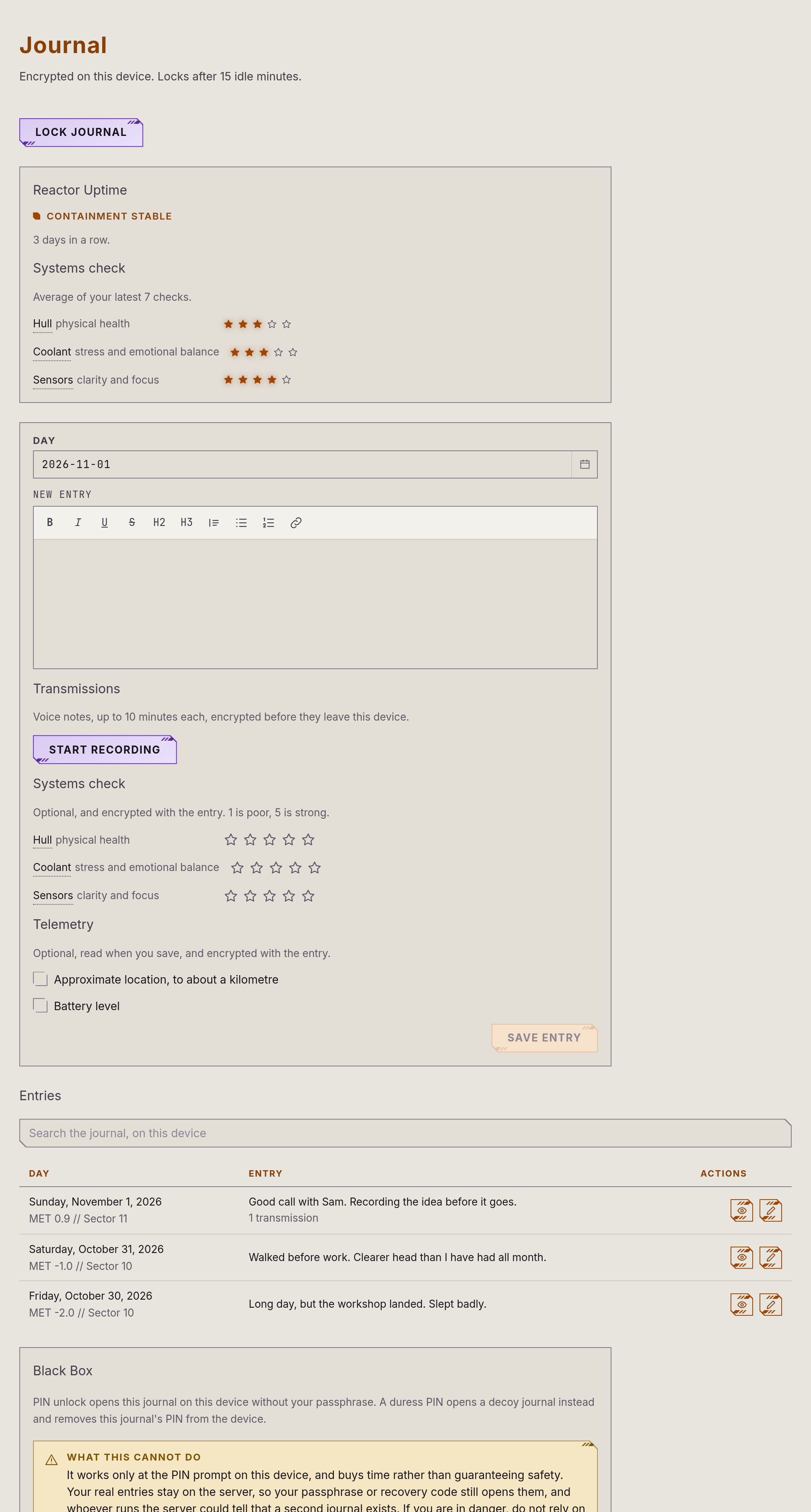
Private writing we can’t read
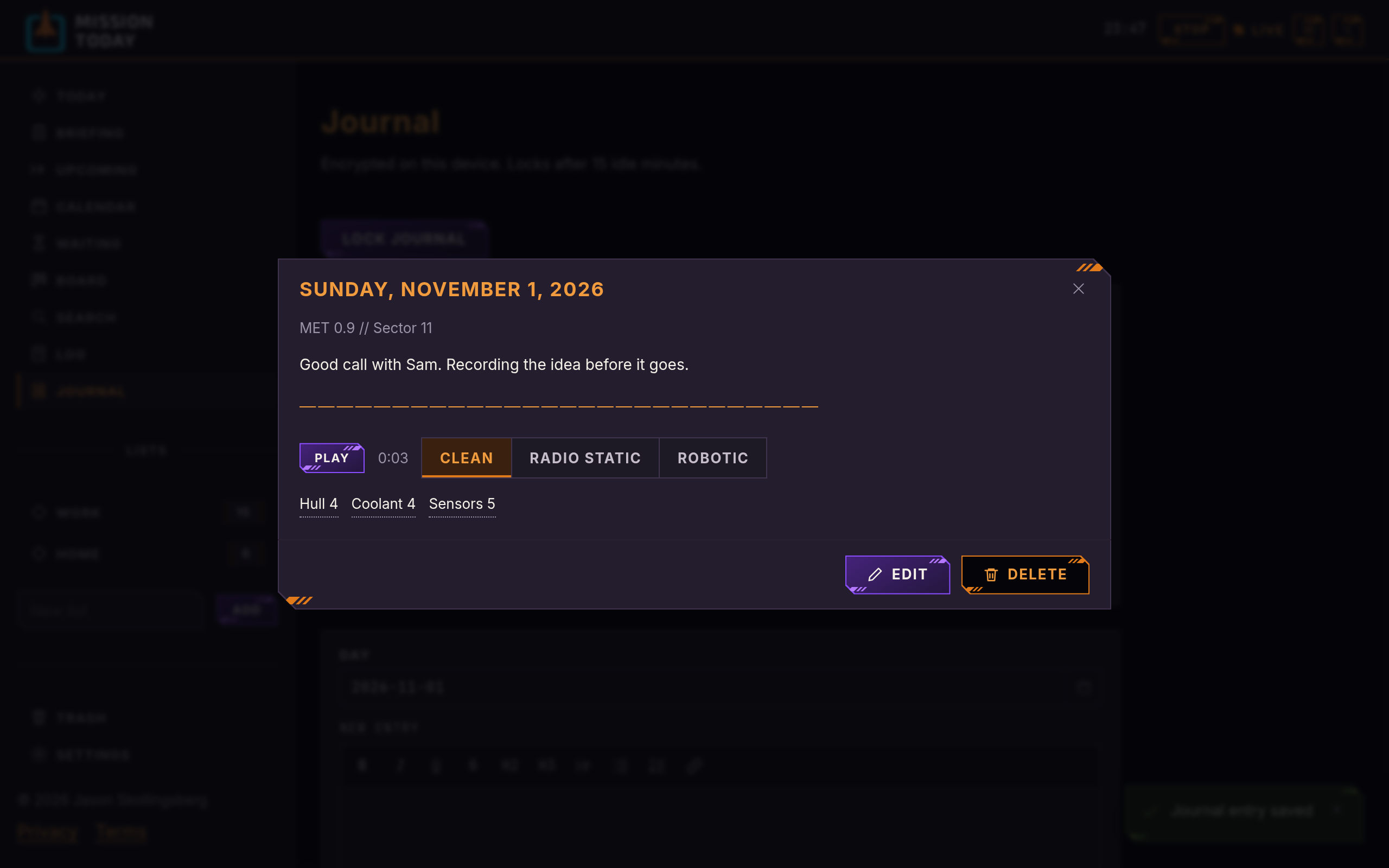
A diary encrypted on your device with a passphrase that never leaves it. Write in rich text, rate how you’re doing with a systems check, and keep your writing streak going. Lose your passphrase and recovery code, and nobody can get it back.
The encryption protects against leaks of stored data. The web app’s code comes from our servers, so it can’t protect against a compromise of the service itself.
Transmissions
Say it instead
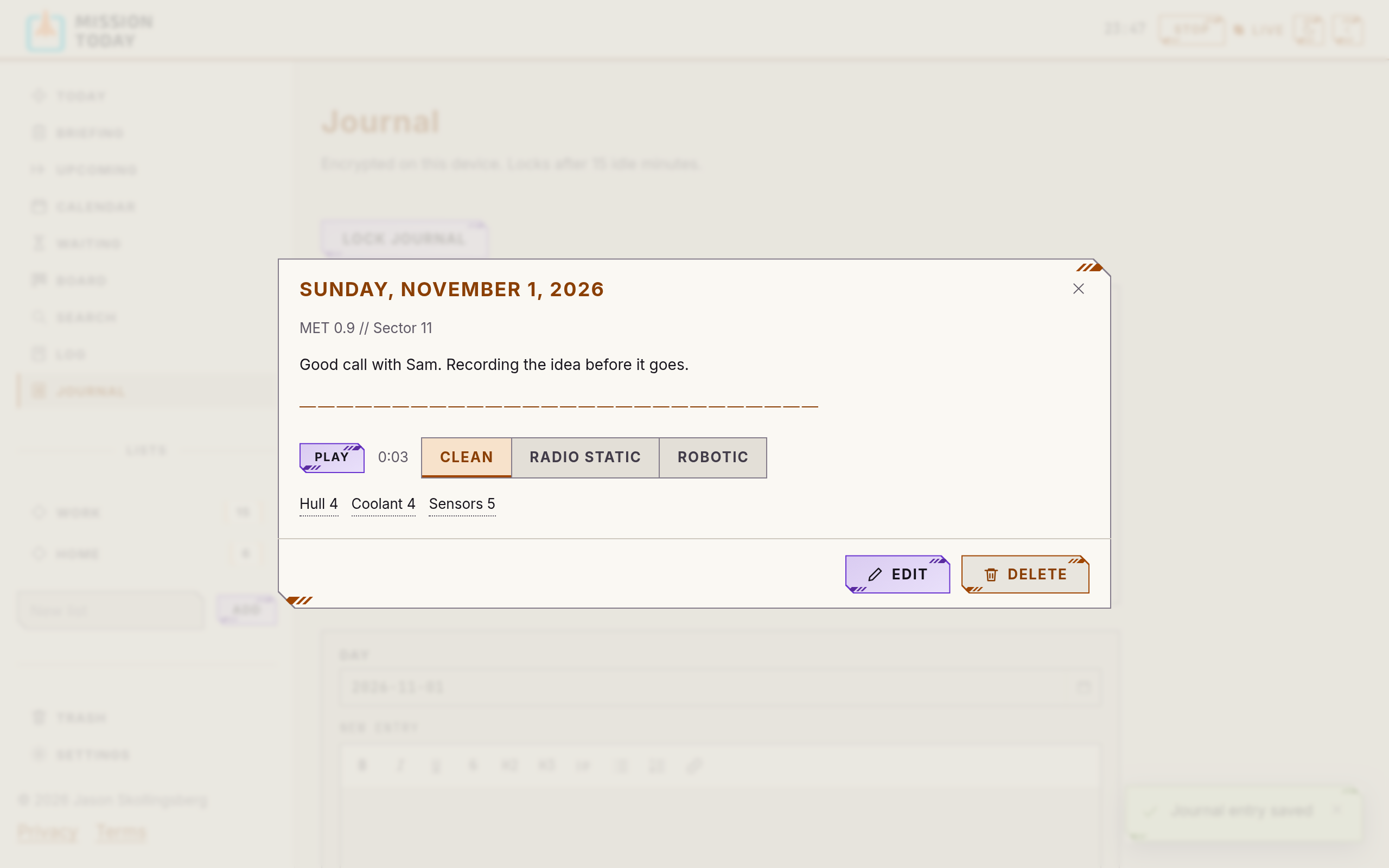
Record a voice note with a live waveform, up to ten minutes. It’s encrypted before it’s uploaded, and plays back clean or through radio static and robotic filters.
And more
Plugged into the rest of your day
-
A terminal app
All of it from the keyboard, with one-line capture:
Call mum tomorrow 5pm !high #family. Your journal too. -
Add a task in one line
On the web too, from the command palette or the New task window. Dates, tags and lists are read as you type.
-
Light or dark
Both themes, with a default saved to your account.
-
Mission Elapsed Time
Journal entries carry their own clock, and can note approximate location, battery and light if you choose. All of it is encrypted.
-
Black Box
Unlock the journal with a PIN on one device. A duress PIN opens a decoy journal you wrote instead. It buys time and guarantees nothing, and it hasn’t had an independent security review yet, so please don’t rely on it for your safety.
-
GitHub issues
Open issues become todos, and closing one completes its todo. Nothing changes on GitHub.
-
Your AI assistant, too
Connect an AI client over MCP so it can work with your todos.